


 Buy $GVC
Multi-recipient token distribution with simplified batch management.
Send multiple token transfers in one streamlined process to save time and reduce complexity.


A native multi-sender tool built for efficient batch distribution of tokens.
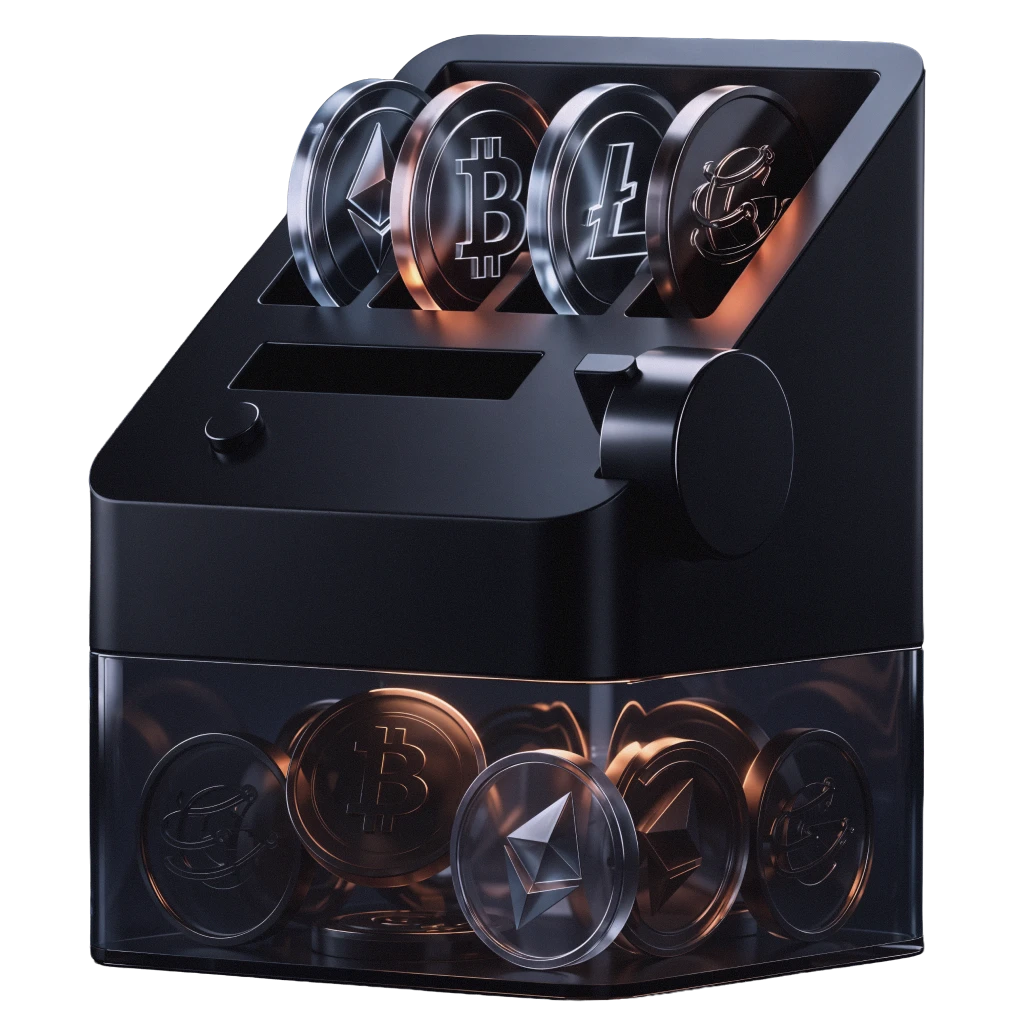
G-SENDER is a token distribution interface within the GVC ecosystem designed for streamlined multi-recipient transfers.
It enables users to send tokens or coins to numerous wallet addresses with one transaction, reducing repetitive steps and supporting flexible allocation amounts.
Key Capabilities
Features designed to simplify token distribution while providing flexible control.
Batch Token Distribution
Send tokens to multiple wallets in one consolidated transaction.
Flexible Allocation
Assign different token amounts to each recipient in a single process.
Time-Saving Workflow
Reduce repetitive transfers into one streamlined operation.
Simple Confirmation Flow
Preview allocation settings and review details before execution.
Eliminating repetitive transfer overhead for token distribution.
Traditional distribution methods often require multiple manual transactions, which are time-consuming and error-prone.
G-SENDER reduces this friction by enabling multi-address token transfers with flexible allocations and a cleaner confirmation experience.
It empowers teams and users to manage distributions efficiently with fewer steps and lower operational overhead.
Who It's For
Built for anyone who needs to distribute tokens at scale.
Project Teams
Easily distribute tokens to large groups of users for events, rewards, or onboarding.
Community Managers
Run airdrops, reward programs, and distribution tasks with minimal complexity.
Token Holders
Individuals managing multiple transfers from one wallet address.
How It Works
A simplified workflow for multi-recipient token distribution.
Prepare Token Information
Enter the token address and required details for distribution.
Add Recipients and Allocations
Input multiple wallet addresses and assign specific allocation amounts.
Review and Confirm
Verify recipient list and allocation details before execution.
Execute Batch Transfer
Submit the transaction, and G-SENDER broadcasts all transfers in one go.
Power The GVC Ecosystem With $GVC
Buy $GVC on G-SWAP and unlock access to products across the GVC ecosystem.